
A+ Dental Care Haven
Selected previewA shared visual identity and connected website experience for three clinic locations.
- Client
- A+ Dental Care Haven
- Role
- Design · Development · Motion
- Built with
- HTML · CSS · JavaScript
Independent digital designer + builder
From visual direction to launch, I carry the whole build.
 Claude Code
 Codex
Codex Cloudflare
 Google Apps Script
 Canva
Canva Power BI
 Microsoft SQL
 Adobe Animate
 Google Workspace
 Hermes
 AntigravityA+ Dental Care Haven
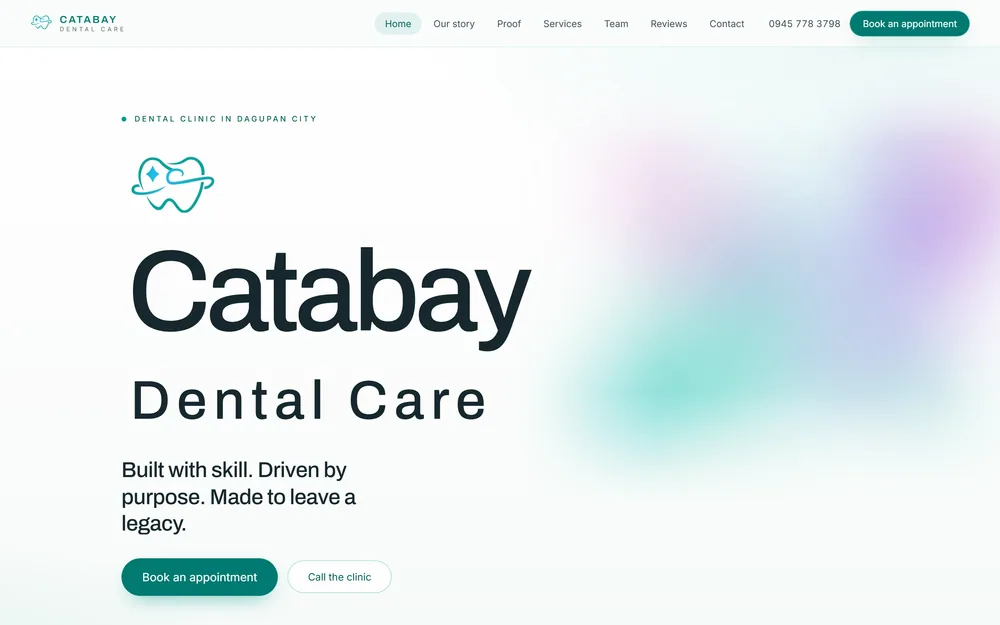 Catabay Dental Care
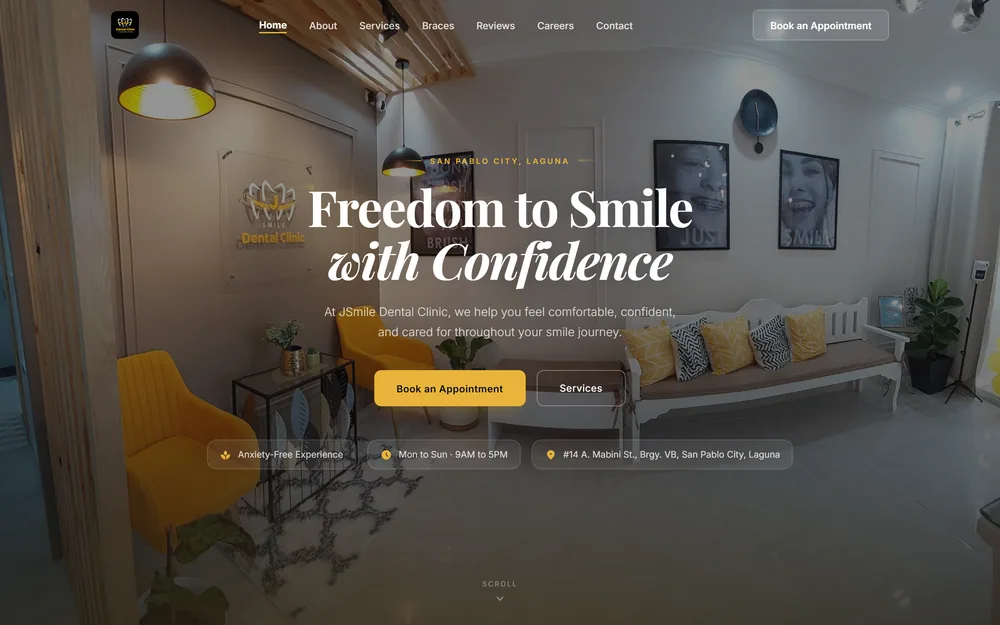 JSmile Dental Clinic
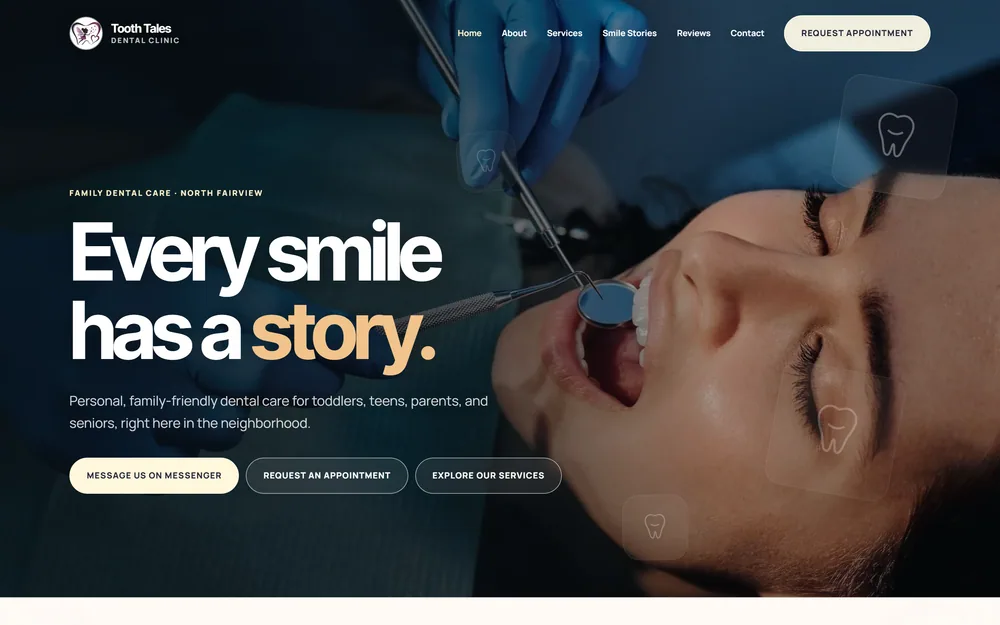 Tooth Tales Dental Clinic
JSmile Financial Operations & Control System. Five operational streams, validation, reconciliation and exception handling.
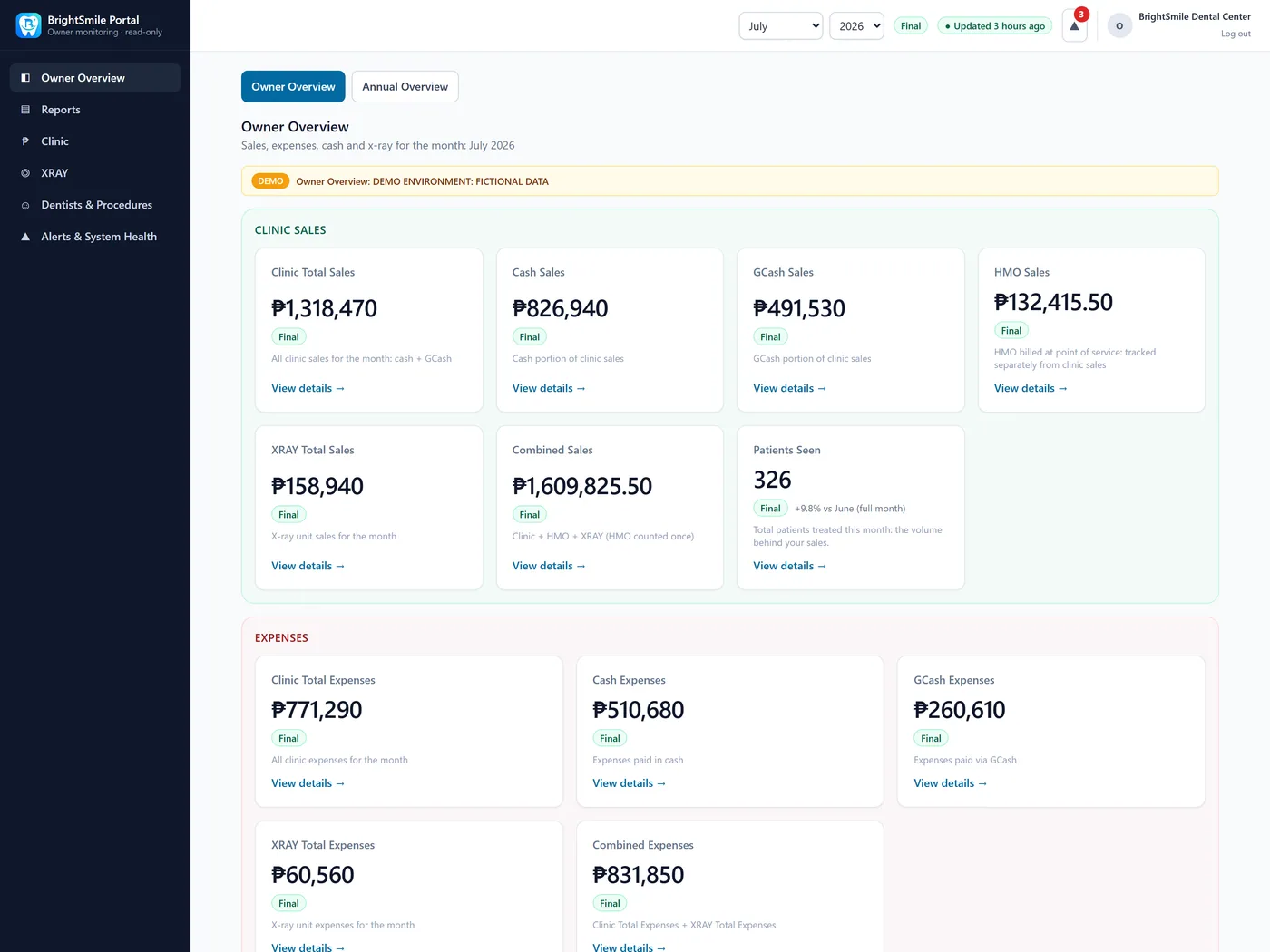 Sanitized Demo
Design + development.
One considered build.
“Thank you sir Jude… Yaan mo, madami pa tayo project.”
Grayshee Velarde · Tooth Tales Dental Clinic · via Messenger
Have something worth building?Conversation, memory and coordination—with people in control.
01 / Real client work
Selected client work across websites, digital experiences and business systems.
A shared visual identity and connected website experience for three clinic locations.
A welcoming clinic website bringing the team, services and appointment path into focus.
A patient-facing website connecting treatments, the dental team and appointment inquiries.
A warm family-clinic website with smile stories, service highlights and direct appointment hand-off.
Concept work
Independent explorations, beyond client work.
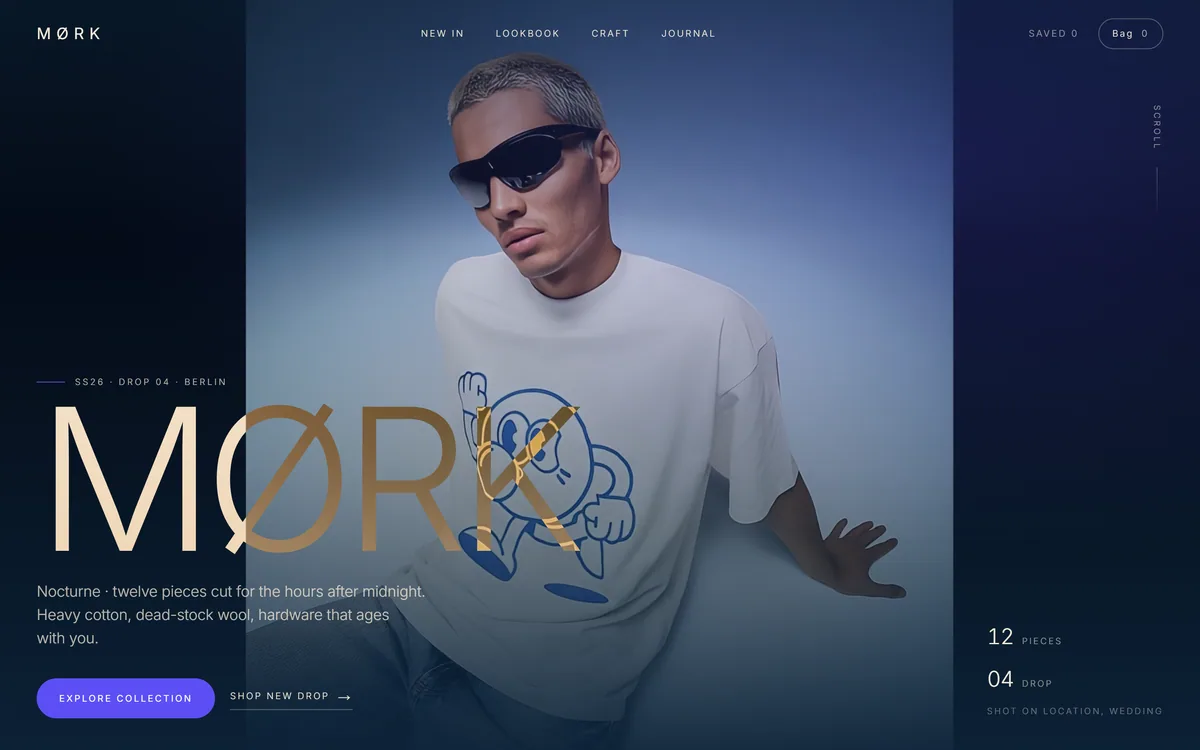 Concept build · Fashion e-commerce
MØRK
Concept build · Fashion e-commerce
MØRK
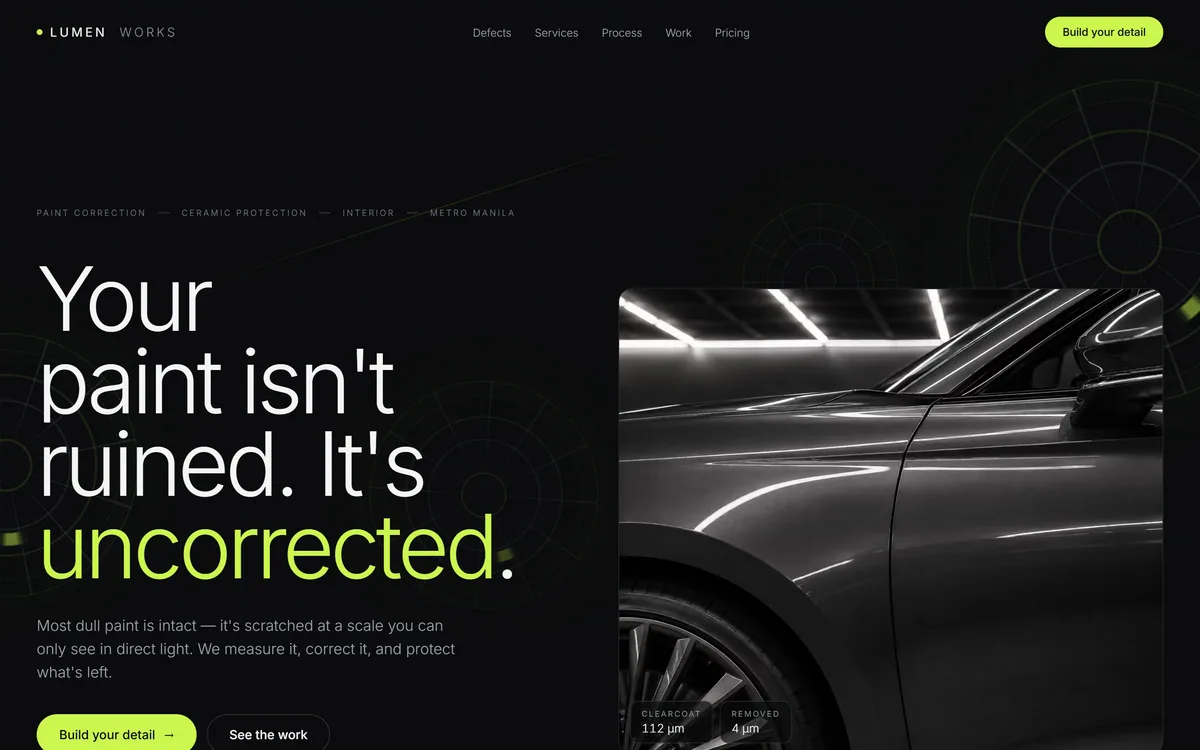 Concept build · Automotive detailing
Lumen Works
Concept build · Automotive detailing
Lumen Works
02 / What I can deliver
One person carrying the direction from the first layout to the final website.
A visual direction that makes the business easy to recognize.
Art direction · Brand translationResponsive, working websites built from the approved design.
HTML / CSS · JavaScriptBespoke interaction, motion and purposeful dimensional detail.
Motion · Interactive showcasesClear page structure and intuitive next steps.
Navigation · User journeysConnect repeatable tasks, reporting and handoffs.
Apps Script · IntegrationsApps, portals and dashboards shaped around the team.
Operations · Internal toolsMetadata, semantic structure and indexing essentials.
On-page foundationsProduction hosting, domain connection and launch handoff.
Cloudflare · Launch QAFrom direction to delivery
Technologies represented in the websites and systems shown here.
03 / Systems & Apps
Operational software, built around the way a team works.
JSmile / AI Patient Coordinator
A production-ready AI front desk that understands ongoing patient conversations, maintains structured memory, handles governed clinic inquiries, coordinates scheduling preferences, manages consent, and knows when control should return to staff.
A deliberate product decision
Clinic scheduling depends on patient history, dentist suitability, special arrangements and staff judgment. The AI captures and corrects preferences; staff makes the final appointment decision.
LIVE SYSTEM TRACE
The hard part is not generating a reply. It is controlling what the AI knows, remembers, may say, and when it must stop for a person.
Follow the highlighted path to see how the request is handled.
JSmile Financial Operations & Control System
I built an operations system that captures daily clinic transactions, preserves evidence, validates financial records, separates ownership, reconciles expected and actual money, and turns verified activity into reviewable dashboards and management reporting.
A clinic day begins.
Five inputs. One controlled financial picture.
Categories + receipts
DEMO-001 · 17:00 · evidence attachedAmounts + coverage dates
DEMO-002 · 17:00 · evidence attachedProviders + matching
DEMO-003 · 17:00 · evidence attachedExpenses + cash movement
DEMO-004 · 17:00 · evidence attachedActual staff counts
DEMO-005 · 17:00 · evidence attachedIdentified, timestamped records. Receipts and deposit proof stay attached.
Date · amount · required fields · duplicates · ownership · source health
DEMO-006 · missing amount · HELD HEREExpenses · Deposits · HMO · XRAY · Daily Close
PX sales · historical summaries · XRAY cashflow / transfers · bank evidence
Total counted GCash · synthetic example
Expected cash / GCash vs actual counted cash / GCash
Verified totals move forward.
Close review · reconciliation · missing deposits
Edit · add evidence · match · void. Return to validation, then recalculate.
↶ Validation → updated reconciliationDashboard · running ledger · audit views
Management summaries. Telegram is one configured output channel.
Production work / JSmile
I also built an internal operations app using Google Apps Script, around the clinic’s expense records, deposits, daily close and reporting.
Sanitized demo · Synthetic dataPortfolio Prototype
BrightSmile is a portfolio-safe demonstration based on the system. It is separate from JSmile’s production application and uses synthetic data.
04 / Client Feedback
Feedback on the work, in their own words.
“Thank you sir Jude… Yaan mo, madami pa tayo project.”
05 / A little about me
Design, development and the details in between.
Jude Rodriguez / Digital Designer + Builder
I’m Jude Rodriguez, a digital designer and builder from the Philippines. I create websites, internal systems, AI automations, and intelligent workflows for clinics and owner-led businesses—combining polished design with practical tools built around real operations.
Recently completed a production-ready AI patient coordination system built around real clinic operations.
The interface should make the business clearer, more credible and easier to use.
Systems follow how people actually work, including where human judgment matters.
The visual direction stays connected to the final working product.
06 / Start a project
Tell me a little about the business and what the website needs to do.
I read every inquiry and reply personally.
danieljude.ro@gmail.com Facebook Page LinkedIn